将 Sleep 恢复出厂设置可删除存储在上面的所有数据。恢复出厂设置会完成取消关联过程。
Important note:
- 将 Sleep 恢复出厂设置不会删除从 Withings App 应用中同步的任何数据。
- 重置 Sleep 之前未同步的所有数据将会永久丢失。
要重置 Sleep,请执行以下步骤:
- 转到移动设备的 “设置” ,选择 “蓝牙” 并在设备列表中找到 Sleep 。选择睡眠传感器右侧的小图标,然后选择 “忘记” 或 “移除” 设备。
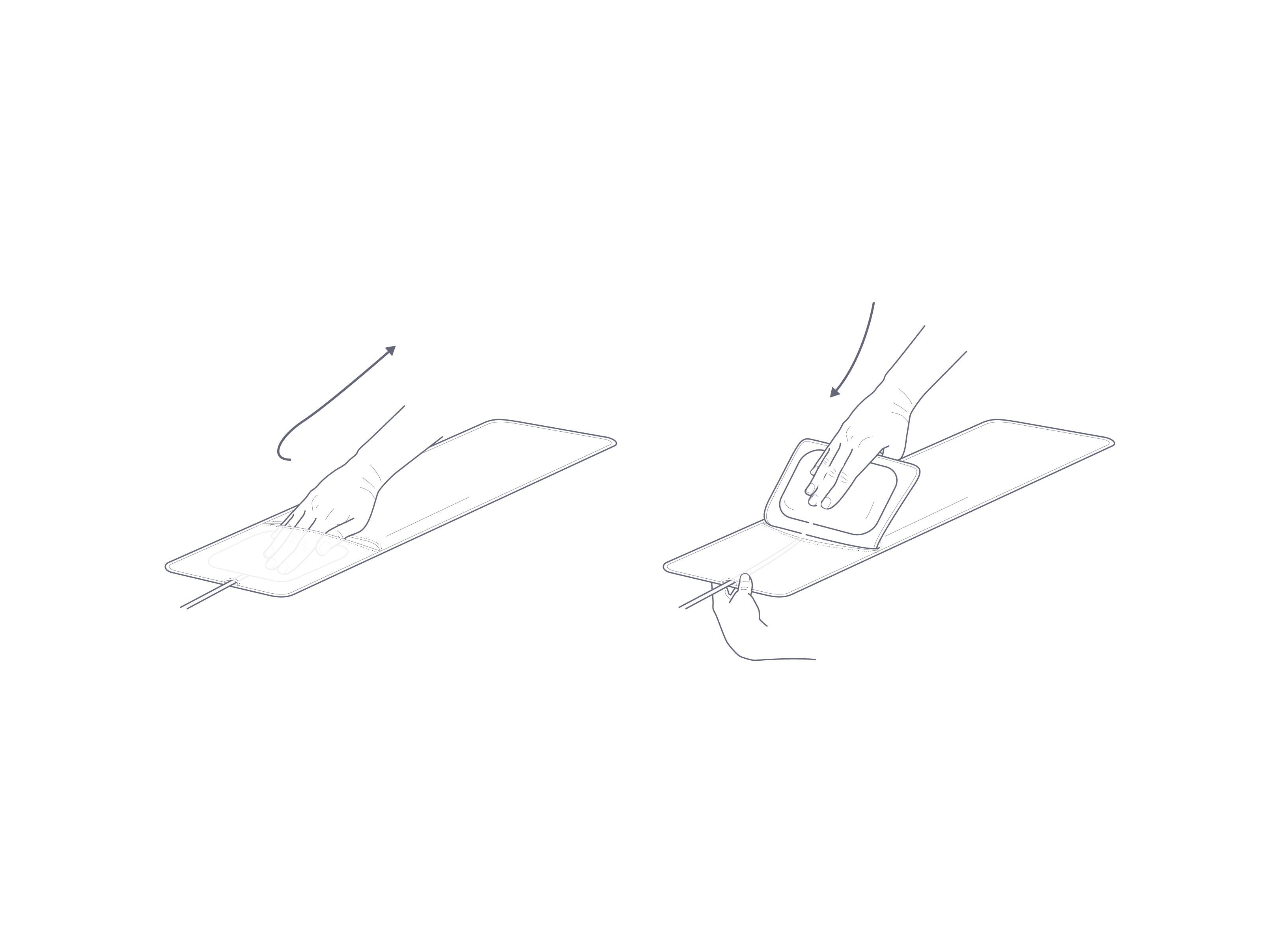
- 务必将 Sleep 的内里部分从布罩中取出。
- 把设备下部朝向您。
下方标有“Reset(重置)”字样的槽口表明重置按钮的位置。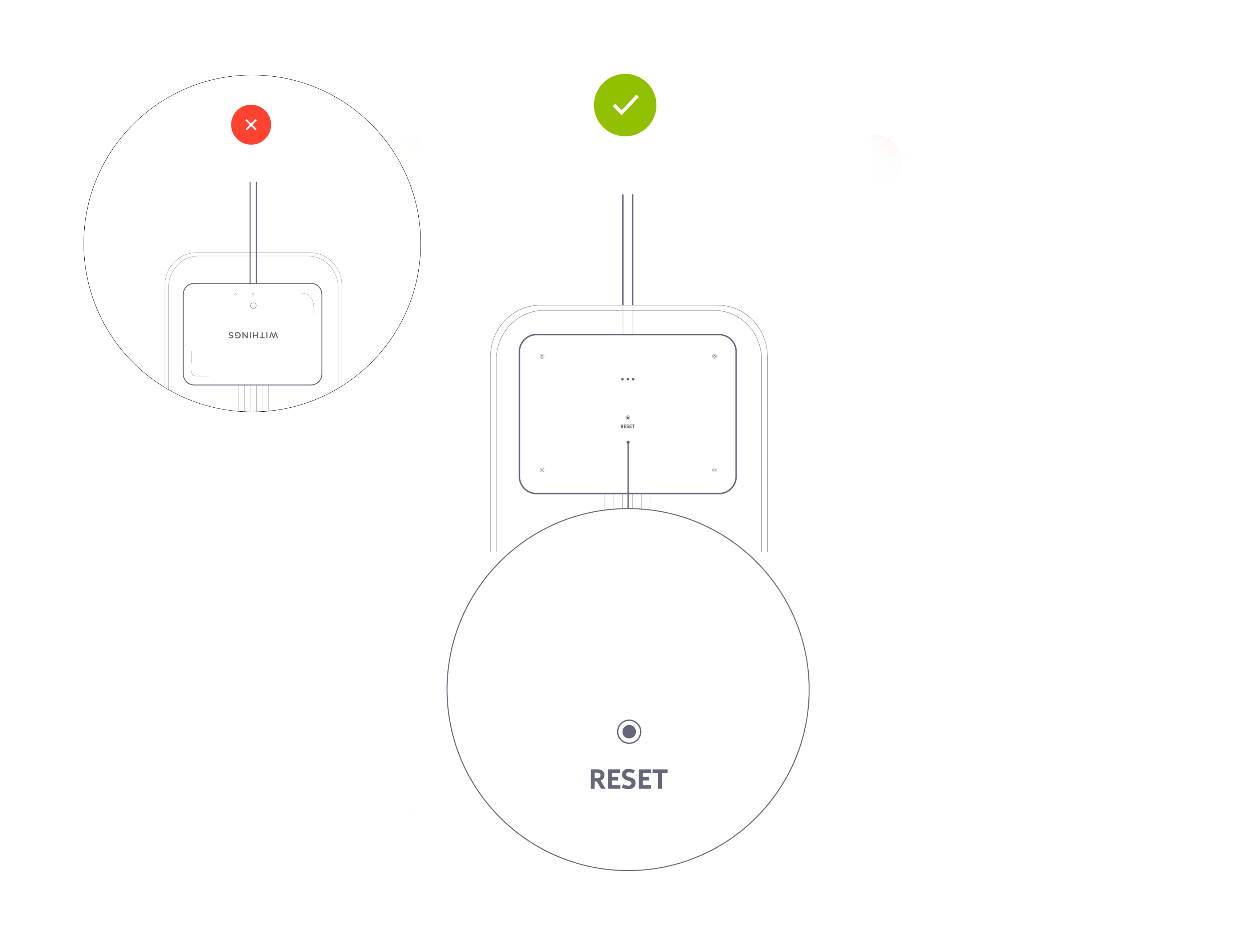
- 拔掉电源,然后使用随附的适配器将诺基亚 Sleep 插上电源。
- 长按“重置”按钮 5 秒。
Note: Be sure to insert the paperclip (or a similarly-shaped object) into the hole just above the word RESET as the other opening on the Sleep is for the sound sensor. Inserting an object into the sound sensor can damage it and prevent the breathing disturbance feature from working.
设备背面的 LED 将闪烁红灯 3 次,然后继续闪烁绿灯 1 次。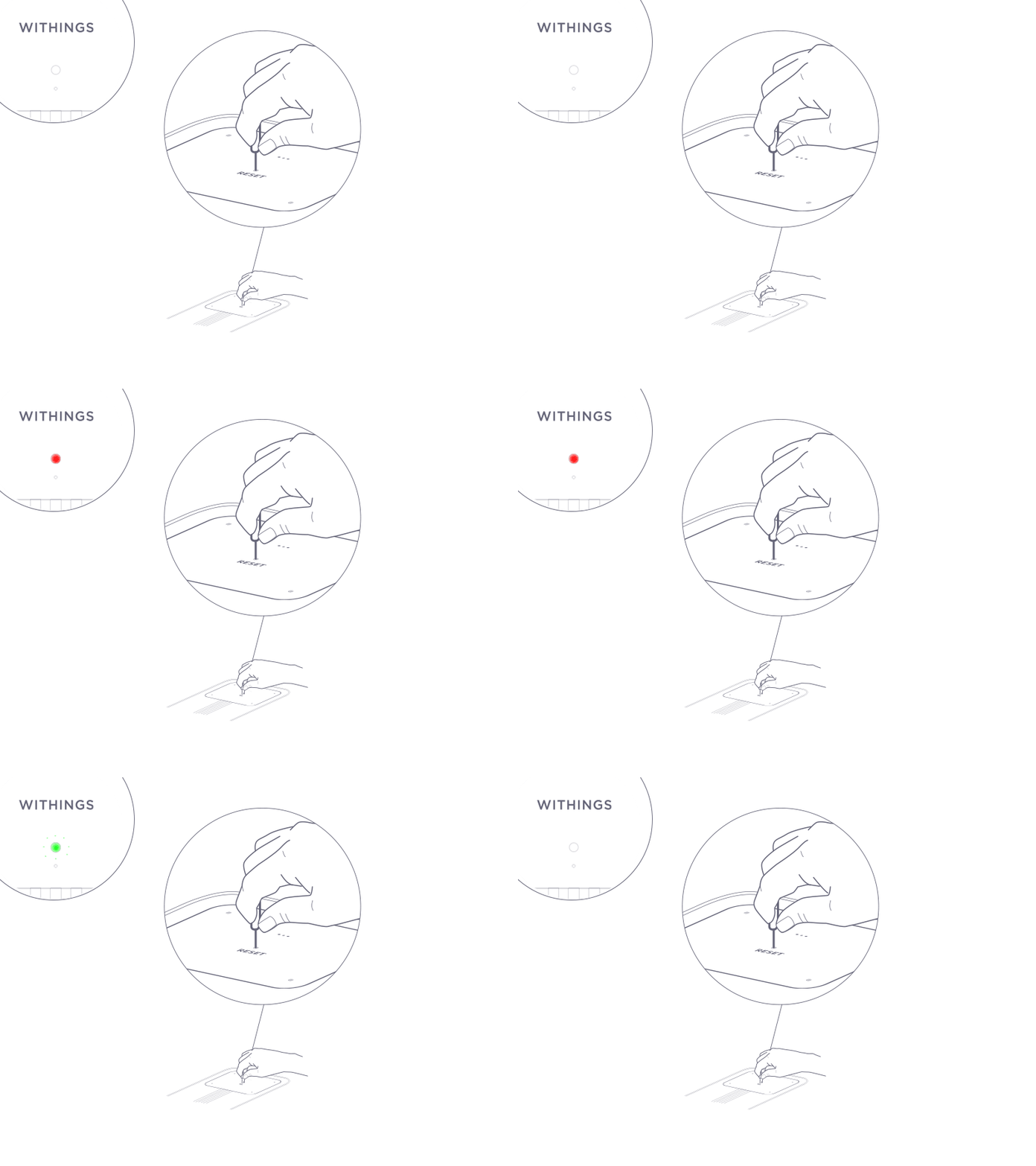
闪烁的 LED 蓝灯说明重置步骤已成功完成。
- 将设备的内里部分放回布罩内。
务必将传感器的表面平整地放在布罩内。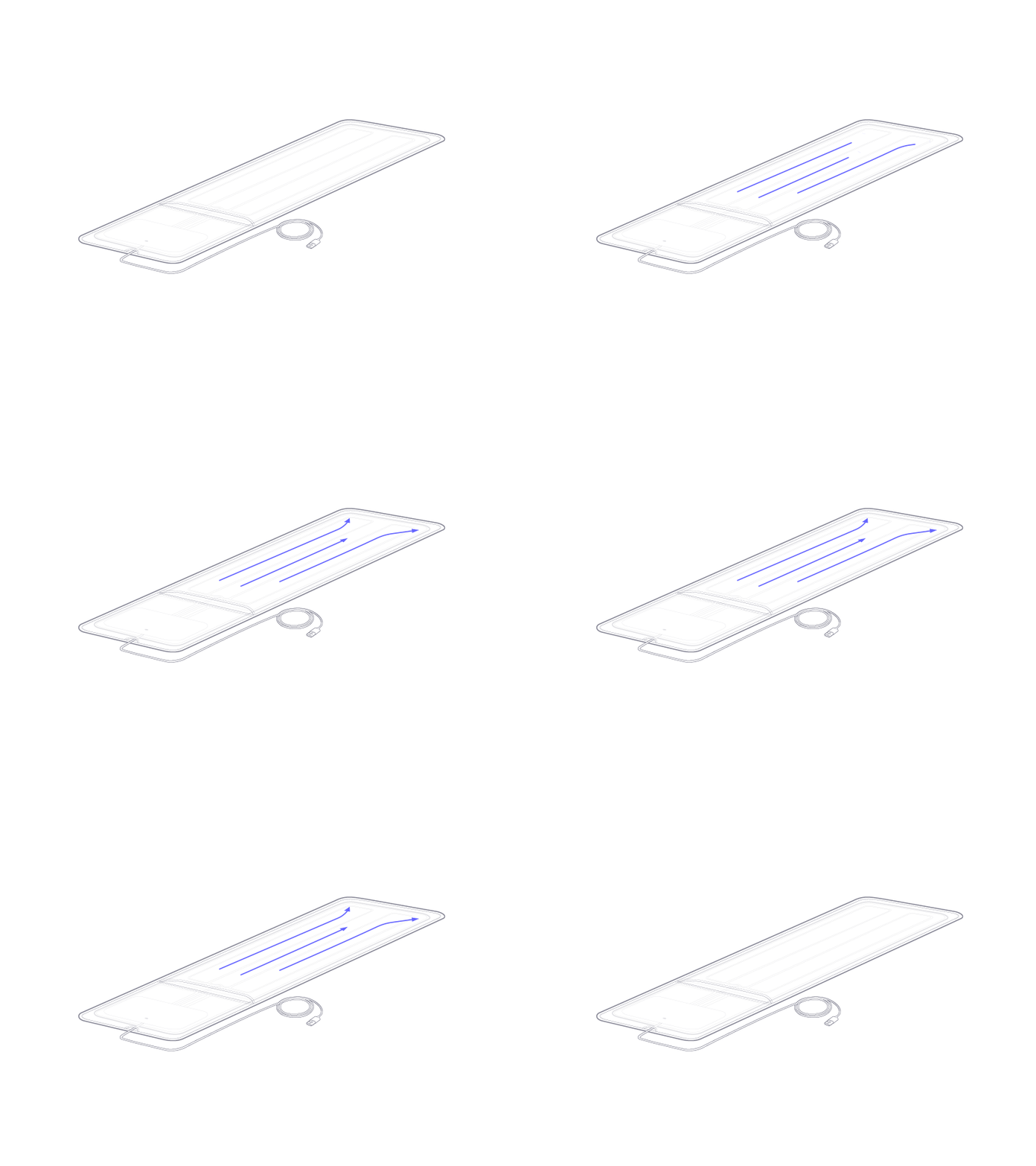
如果您想重新安装诺基亚 Sleep,请点击此处。